Another two ChatGPT integrations arrived this week.
That sounds boring.
It probably isn’t.
OpenAI added Zendesk and OneNote plugins to ChatGPT Business and Codex on September 3. Zendesk lets ChatGPT review support tickets and customer history, find relevant knowledge and prepare replies. OneNote lets it search and summarize notes, extract decisions and action items, and create or update notes through supported actions.
On their own, neither integration changes how a business operates.
Look at the bigger pattern, though.
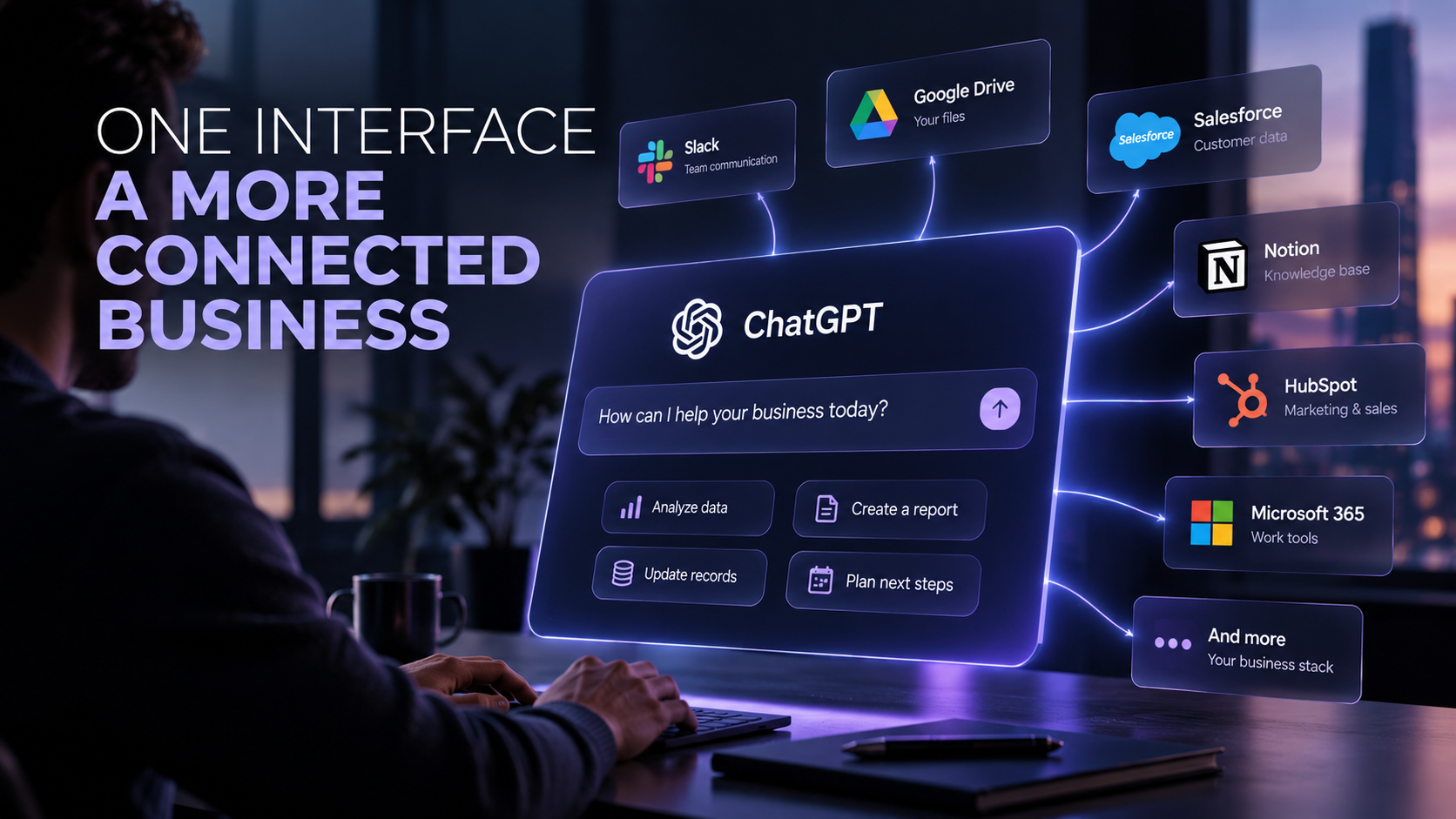
ChatGPT can already work across business systems such as Slack, Google Drive, GitHub, Outlook and other connected applications. Plugins can package apps, skills and workflows together, while workspace agents can execute repeatable processes across connected tools.
The interface is starting to move up a layer.
Instead of opening Zendesk, finding the customer, reading five tickets, searching internal documentation and writing a response, you can increasingly ask:
“What happened with this customer and what should we do next?”
The AI can gather the information from the systems underneath it.
That changes what business software is for.
Your CRM, helpdesk, project management system and document storage do not disappear. They become the structured data and action layer underneath an AI interface.
The dashboard becomes less important.
The data, permissions and workflows become much more important.
What SMBs should take away
This is where AI becomes genuinely useful for smaller companies.
Not another chatbot tab.
A working layer across the software you already use.
Imagine asking:
“Which customers need attention today?”
“Summarize everything we agreed with this client.”
“Find unresolved support issues and prepare responses.”
“What decisions did we make about this project last month?”
The value comes from connecting existing information and actions, not generating more text.
What to do now
Do not connect every business system to ChatGPT because you can.
Pick one workflow that currently requires someone to open three or four applications just to understand what is happening.
Map the information they collect, the decisions they make and the actions they take afterwards.
Then test whether an AI layer can remove some of those hand-offs.
And pay attention to permissions. OpenAI keeps write actions controlled separately for supported business apps, because an AI that can read your software is useful.
An AI that can change it is automation.
Those are two very different levels of access.