Running Google Ads is relatively easy. Understanding why your campaigns suddenly got better or worse is where things become complicated.
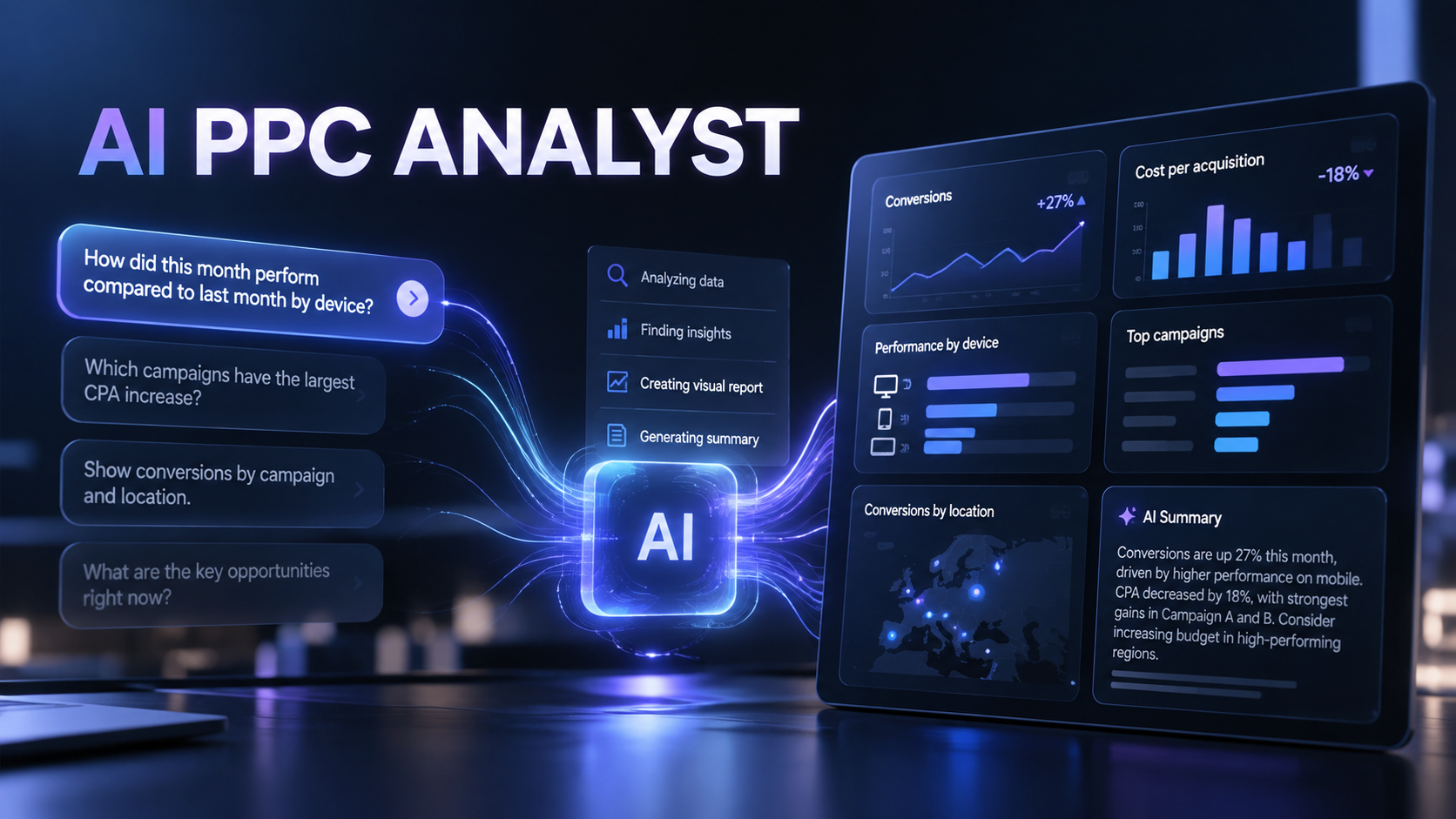
Google is trying to reduce that gap with AI-powered Dashboards, which are now starting to appear in advertiser accounts. Instead of manually choosing metrics, dimensions, filters and visualizations, advertisers can describe what they want to investigate using normal language and let Google build the report.
For example, a small ecommerce business could ask Google to compare campaign performance this month with the previous month and break the change down by device. An agency could investigate which campaigns experienced the largest increase in CPA. A local business could ask for a report showing conversion performance by campaign and location.
Google Ads turns the request into a visual report and can provide an AI-generated summary explaining what the data shows.
That may sound like a small usability improvement, but it addresses one of the biggest practical problems SMBs have with PPC.
Small businesses have access to an enormous amount of advertising data, but access does not automatically make that data useful. Google Ads can expose hundreds of metrics and dimensions, and building the right report often requires knowing exactly what you are looking for before you start.
Large advertisers solve that problem with PPC specialists, analysts and dedicated reporting tools. A small business owner running €1,500 a month in Google Ads probably does not have any of those.
Natural-language reporting dramatically lowers that barrier.
Instead of learning Google’s reporting interface, an advertiser can start with the actual business question: “Why did we spend 20% more this month without generating more leads?”
That changes the workflow from building reports to investigating problems.
For small agencies, the time saving could be equally valuable. Reporting is one of those recurring tasks that consumes hours without necessarily creating much additional value for the client. If an account manager can generate useful visualizations and summaries by asking a few questions, more time can go into optimizing campaigns rather than preparing reports about them.
It could also make PPC more effective.
The easier it becomes to investigate performance, the more frequently smaller advertisers can actually do it. A business that currently looks at total spend, clicks and conversions once a month could start asking more useful questions about geography, devices, campaigns and changes in performance without becoming a Google Ads expert.
There is an important limitation. AI-generated explanations should not automatically be treated as strategic recommendations.
Google can identify patterns in Google Ads data, but it does not necessarily understand your margins, sales quality, stock levels, cash flow or what happened elsewhere in the business. A campaign generating cheap leads is not successful if those leads never become customers.
The AI should therefore reduce the work required to find the signal, not replace the person deciding what the signal means.
Google’s documentation says its AI Report Generator can build and modify reports from natural-language prompts, although the feature currently works only in English. The newer dashboard experience extends that concept into visual reporting and AI-generated explanations, with rollout currently reaching some advertiser accounts rather than everyone simultaneously.
For SMBs, this is exactly where AI inside advertising platforms can be genuinely useful.
Not another button that automatically spends more money.
A tool that makes it easier to understand where your money went, what worked and what you should investigate next.
That makes sophisticated PPC analysis more accessible to businesses that cannot justify having a dedicated analyst, and gives small agencies another way to manage more accounts without proportionally increasing reporting workload.
Sometimes the best AI feature isn’t the one that runs your advertising for you.
It’s the one that makes you better at running it yourself.
Original source: https://support.google.com/google-ads/answer/15517371