Google Analytics contains almost everything a small business needs to understand its website.
Finding it is another matter.
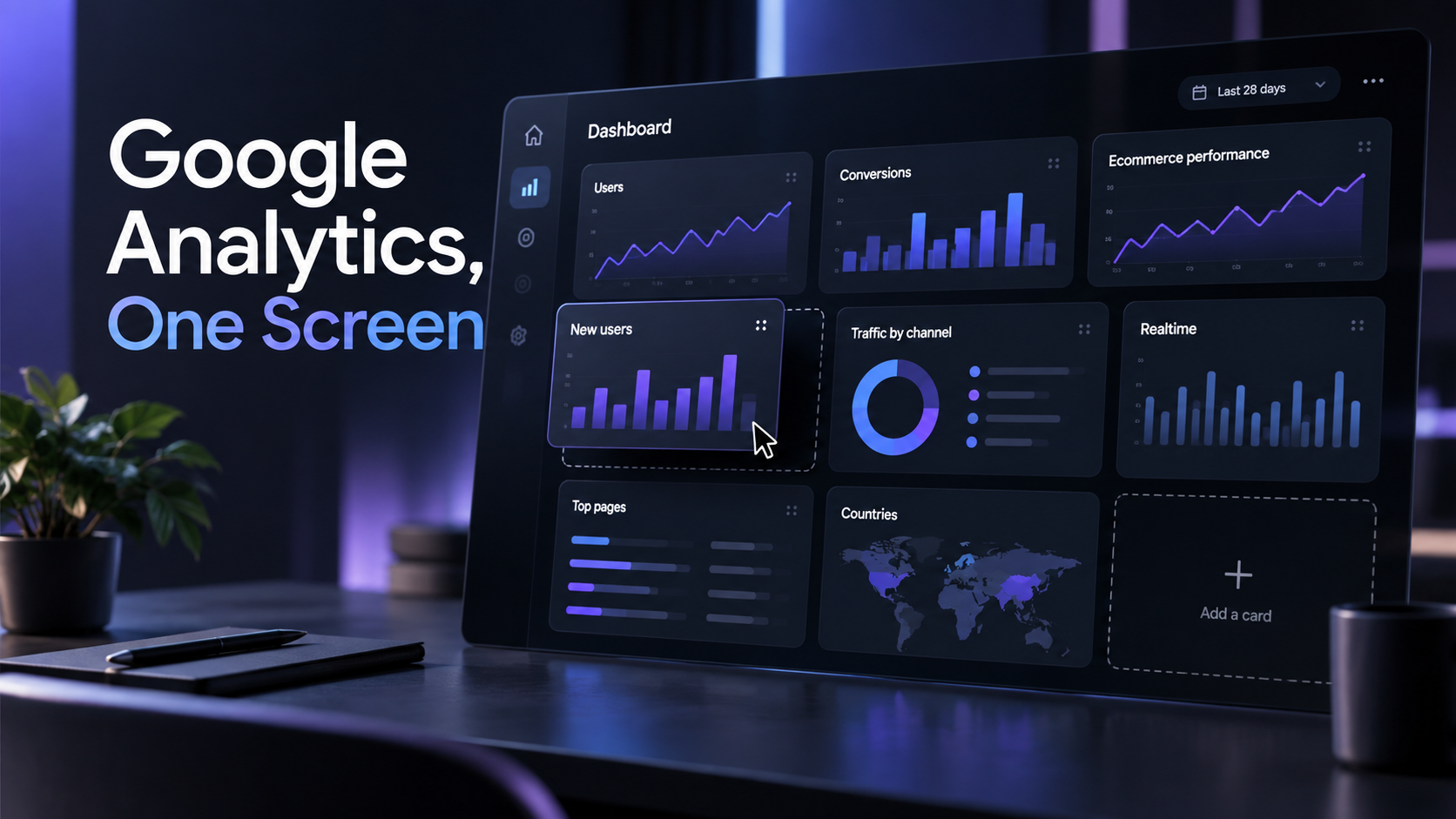
Google has launched customizable Dashboards for GA4, giving businesses a much simpler way to put the numbers they actually care about onto one screen. Instead of repeatedly navigating through Analytics reports, marketers can create dashboards containing the metrics and visualizations relevant to their particular business.
For an SMB, that sounds boring. It could also be one of the more useful Google Analytics updates in years.
A local service business doesn’t need to understand every dimension available inside GA4. It might need one dashboard showing website visitors, leads generated, conversion rate, traffic sources and the landing pages producing enquiries.
An ecommerce business could build another showing revenue, purchases, average order value, top products, conversion rate and the channels actually generating sales.
A small marketing agency could create separate dashboards around acquisition, content performance and conversions, making it much easier to quickly understand what is happening before digging deeper into individual reports.
Google says Dashboards use a grid-based canvas where cards can be dragged, resized and arranged. A property can contain up to 20 dashboards with up to 12 cards each, and dashboards can include both historical and realtime information. Individual cards can use scorecards, tables, line charts, bar charts and other visualizations.
The important part isn’t prettier charts. It’s reducing the friction between having marketing data and actually using it.
Small businesses frequently spend thousands of euros per month generating traffic through Google Ads, Meta, email, SEO and social media, then make decisions based largely on what each advertising platform says happened. Meta reports its conversions. Google reports its conversions. The email platform reports its revenue.
GA4 can provide a more centralized view of what those visitors actually do after reaching the website, but only if somebody regularly looks at the right information.
A useful dashboard makes that easier.
Imagine an ecommerce owner opening one screen every Monday morning and immediately seeing that paid traffic increased 25%, revenue increased only 5%, mobile conversion fell sharply and one landing page is suddenly underperforming. That doesn’t solve the problem automatically, but it tells the owner exactly where to investigate.
Or consider a local business spending €2,000 per month across Google and Meta. Its dashboard could focus almost entirely on qualified actions: contact-form submissions, phone clicks, WhatsApp clicks, booking-page visits and the traffic sources generating them. The owner doesn’t need to become a web analyst. They need a reliable answer to “Which marketing is actually producing potential customers?”
For agencies, the same simplicity can improve efficiency across many clients. Instead of building external reporting infrastructure for every smaller account, a focused GA4 dashboard can provide a quick operational view of whether traffic and conversions are moving in the right direction.
There is still work required. Dashboards are only useful if GA4 itself is configured correctly. If ecommerce tracking, lead events or campaign tagging are broken, arranging bad data into nicer charts won’t fix anything.
But once measurement is reliable, the new dashboard experience makes that information much more accessible.
That matters because effective paid traffic isn’t just about reaching more people. It is about learning which audiences, campaigns and landing pages produce results, then putting more budget behind what works.
SMBs increasingly have access to the same sophisticated advertising platforms as multinational companies. Their disadvantage is usually time and expertise, not access to technology.
Making marketing performance understandable at a glance helps narrow that gap.
You don’t need every number Google Analytics can produce.
You need the handful of numbers that tell you whether your marketing is working.
Google has finally made putting those numbers on one screen much easier.