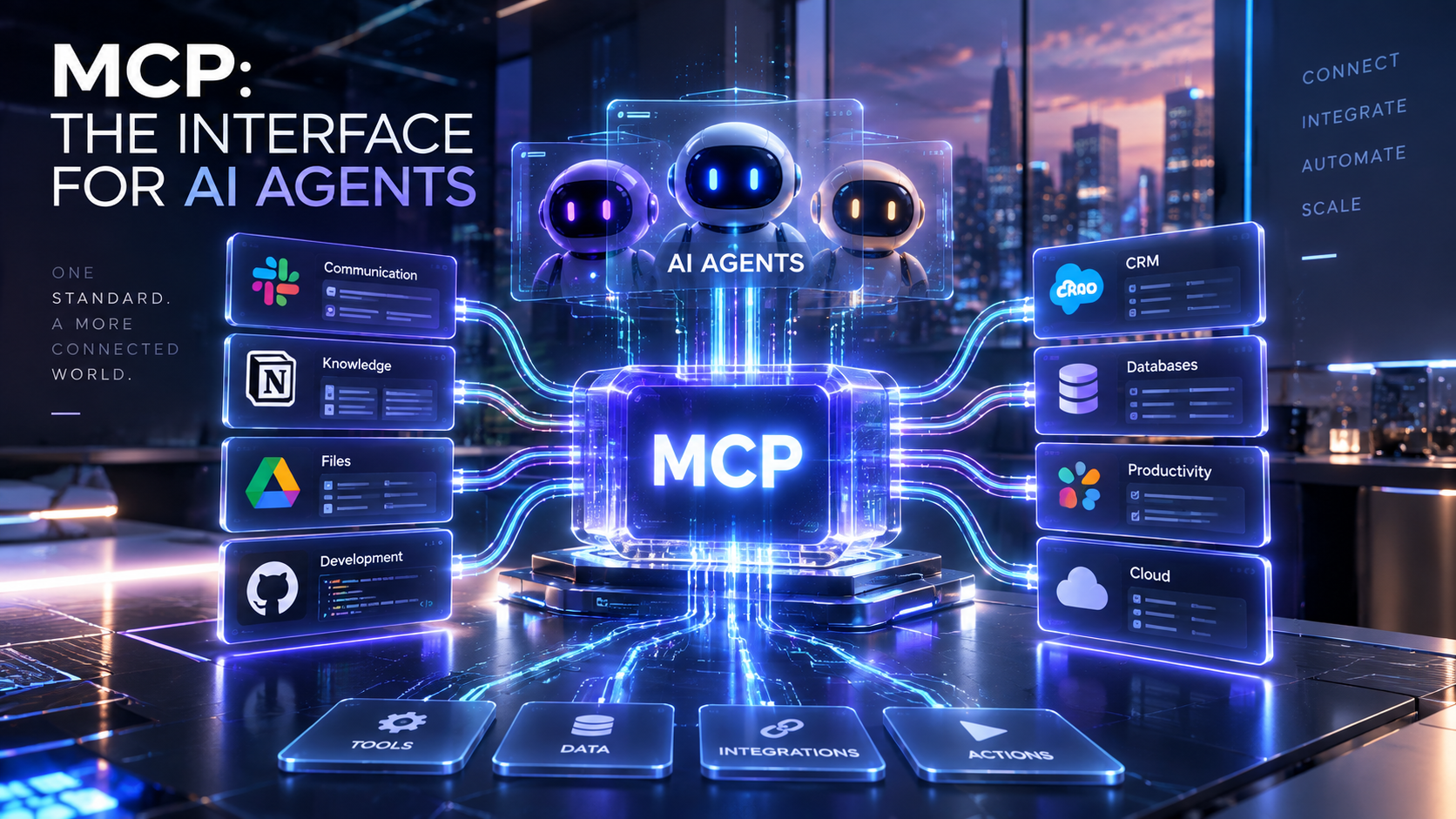
The most useful AI agent is usually the one that can actually reach the systems where your work happens.
It needs to inspect the failed CI build, read the API documentation, create the project workspace, access the business data or trigger the workflow. Every one of those connections used to require its own integration.
Model Context Protocol, or MCP, is increasingly becoming the common interface that makes those connections possible.
The last few weeks have produced a growing number of practical examples. CircleCI now offers a hosted MCP server that lets AI assistants inspect and work with CI pipelines. Redocly exposes documentation through MCP and has been reducing the cost of agents working across APIs. Smartsheet can use MCP to let external AI tools create connected project workspaces. Fulcrum has launched MCP access for building field-operation workflows.
For an SMB, the protocol itself isn’t the interesting part.
The important change is that the AI tools you already use can increasingly work directly with the business software you already have.
CircleCI shows what this looks like for developers
CircleCI’s new hosted MCP server is a good example of how practical this can become.
An AI coding assistant can authenticate through OAuth and gain access to the CI information the user is allowed to see.
CircleCI exposes 24 tools covering jobs such as finding failed runs, inspecting workflows, reading failed tests, retrieving logs, checking resource usage and accessing build artifacts.
Imagine your deployment fails.
Previously, a developer might open CircleCI, find the pipeline, inspect several jobs, locate the failed step, copy an error message and bring it back into Claude Code, Copilot, Cursor or another assistant.
With MCP, the coding agent can ask CircleCI for the information itself.
That enables a workflow like:
Code change → CI failure → agent reads CircleCI logs → agent identifies cause → code fix → tests → new run
This is exactly the kind of integration that matters to small development teams because the agent gains access to the same operational context a human developer normally has to collect manually.
CircleCI also applies the permissions of the authenticated user, which is an important pattern. Giving agents access through existing identity and permission systems is considerably easier to control than scattering unrestricted API keys across AI tools.
Redocly shows another side of the same idea
API documentation is a common source of friction for coding agents.
A developer wants an agent to integrate a payment system, CRM or internal service. The agent needs to understand the available endpoints, parameters, authentication rules and response structures.
That often means feeding documentation into the model manually or relying on the agent’s general knowledge, which can be outdated.
Redocly’s hosted documentation can expose an MCP endpoint, including OAuth and role-based access controls. An AI agent can query the documentation when it needs information.
Redocly is also experimenting with “code mode” for MCP. Instead of sending every intermediate tool result through the language model, the agent can write a small JavaScript program that calls several documentation tools and returns the relevant result.
Redocly says this reduced LLM costs by as much as 80% in its tests.
Again, that’s a vendor benchmark, so I wouldn’t assume every MCP workflow suddenly becomes 80% cheaper. The underlying idea is important: as businesses connect agents to more tools, efficiency becomes part of the architecture.
An agent connected to 30 systems cannot afford to dump every tool description and every intermediate result into the model constantly.
MCP is moving beyond developer tools
Smartsheet’s latest implementation makes the SMB relevance even clearer.
Its Creation Agent can now be reached from external AI tools such as Claude, Copilot, ChatGPT and Gemini through Smartsheet’s MCP server.
A user can describe a project and have the agent create a connected workspace containing sheets, forms, reports, dashboards and automations.
Imagine a small construction company saying:
“Create a project workspace for our new renovation jobs. We need an intake form, job tracker, budget overview, weekly status dashboard and an automation that flags projects running more than 10% over budget.”
The goal is increasingly for the AI system to create the working business setup rather than just explain how to build one.
Fulcrum is pursuing a similar idea for field operations. Its MCP connector and AI Toolkit allow teams to describe operational processes and create digital workflows for field employees.
Those examples move MCP firmly into ordinary business software.
Why this matters for SMB automation
Small businesses have historically paid a significant integration tax.
The accounting system doesn’t quite talk to the CRM. The CRM needs to connect to the website. The website sends data to an automation platform. The automation platform needs another connector for the project-management system.
Tools such as Zapier, Make and n8n became valuable because they reduced that integration work.
MCP is solving a related problem for AI agents.
An AI assistant needs a standardized way to discover what a system can do and call those capabilities safely.
Once software vendors provide that interface themselves, agents can connect to business systems with much less custom work.
For a solo entrepreneur, that could mean connecting an AI workspace to email, CRM, analytics, documents and project management without developing five separate integrations.
For an agency, it can make client automation considerably easier to assemble.
For a SaaS company, providing an MCP server may eventually become as normal as providing an API.
I would start considering MCP when choosing software
I wouldn’t replace a good business tool simply because a competitor has an MCP server.
I would start treating MCP support as a meaningful feature when evaluating new software.
If two developer platforms solve the same problem and one allows your coding agent to securely inspect and operate it through a maintained first-party MCP server, that capability has real value.
The same logic applies to CRM, project management, analytics, ecommerce and support software as agent workflows become more common.
There is an important qualifier: first-party, well-maintained MCP support matters much more than a random community server.
MCP gives agents potentially powerful access to business systems. Authentication, permission scopes, auditability and tool design therefore matter enormously.
For production use, I strongly prefer official vendor MCP servers with OAuth and proper permission handling.
Don’t connect everything immediately
MCP makes connections easier, which makes permission discipline even more important.
Start with read access.
Let an agent inspect CI logs before allowing it to rerun deployments. Let it query CRM records before allowing it to modify them. Let it read project information before allowing it to delete or restructure anything.
Then add write capabilities where the business value clearly justifies them.
This approach is especially important for SMBs because one compromised account or badly configured agent can affect a large percentage of the company’s systems.
Where I would use it today
For developers, MCP is already useful.
Connecting coding agents to CircleCI, documentation systems, GitHub and observability tools can remove a significant amount of manual context gathering.
For operational teams, I would look at software you already use and check whether the vendor now provides official MCP support.
For automation-heavy businesses, I would also design new workflows with a separation between the AI reasoning layer and the systems it can access. MCP makes it easier to swap the AI model while keeping the underlying business tools connected.
That flexibility could become surprisingly important as models continue changing every few months.
Why this matters
MCP is infrastructure, which means most business owners should never need to think about it very much.
Its impact will show up in what their AI assistants are able to do.
An agent that can understand your request and securely access the CRM, CI system, documentation, project workspace and operational tools becomes much more useful than one operating inside an isolated chat window.
We’re now seeing enough serious software vendors build first-party MCP support that I think businesses should start paying attention to it as part of their technology stack.
My recommendation: If you use AI heavily for development or automation, start connecting one or two official MCP servers to workflows where they remove obvious manual steps. Prefer first-party servers with OAuth, scoped permissions and clear documentation. For new SaaS purchases, add MCP support to your evaluation criteria, especially when the software contains information or actions you expect AI agents to use.