If you have used Claude in the last year, you have probably seen two different boxes. One was Chat. That was the familiar place for questions, rewrites and short answers. The other was Cowork. That was the more serious mode for longer jobs that could keep running while you did something else.
Most small-business owners never switched to Cowork. Not because the idea was bad. Because nobody wants a second tab whose only job is to make you feel like you picked the wrong one.
Anthropic has now put both into a single conversation. You type what you need. Claude decides whether that request is a twenty-second answer or a two-hour piece of work. You do not have to know the difference between chat, an agent, a connector or a document tool before you start.
That is the change that matters. One box that can end in a file a client can open.
What actually landed
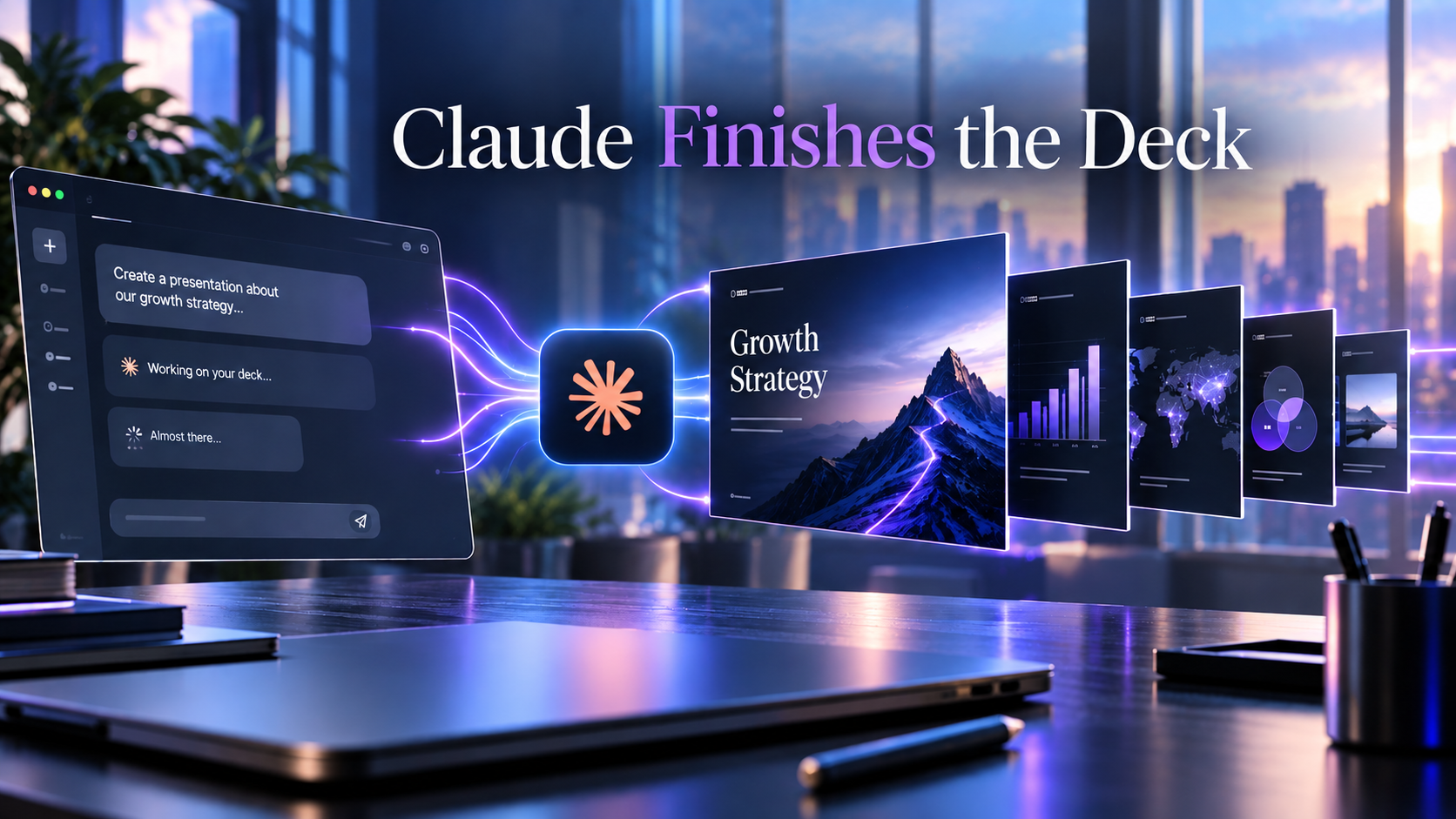
Claude Docs, Claude Slides and Claude Design now live inside the same thread. Ask for a document and you write it together, then export to Word, Google Docs or PDF. Ask for a presentation and Claude drafts the slides. You can edit on the page, present from Claude, or download PowerPoint. If the slides and the report came from the same conversation, they already match. Most tools still get that wrong.
The rollout starts on Pro and Max, on web, desktop and phone. Team and Free come later. Enterprise admins get at least thirty days’ notice. Docs, Slides and Design are still beta. Existing projects, files, connectors and memory carry over. Recents now mixes quick chats and longer jobs in one list.
By default Claude still asks before it takes an action. You can switch a job to Auto after you have watched it work once. Leave Auto off for anything that sends email or edits a shared folder.
Why this matters if you are not “the AI person”
A five-person consultancy does not have a researcher, an analyst, a writer and a slide designer. One person does all four before lunch. A founder writes the proposal on the train and builds the deck at 11pm.
The old habit was: think in chat, copy the text, rebuild the deck in Google Slides, hope the numbers still match. That tax is small once. It is large every week.
The new habit should be simpler. Describe the outcome. Let Claude figure out the steps. Review the file. Send it or fix it.
You still bring the judgment. Which service actually fits this client. Which claim is too strong. Which slide should come first. Claude is there to remove the mechanical middle.
What an SMB should test this week
Do not invent a sandbox task. Use work that already has a deadline. Deadlines show whether this saves time or just creates a prettier first draft.
- Monday pipeline review. Connect Google Drive or Slack if you already use them. Ask: “Pull last week’s leads and campaign notes, flag anything stalled more than five days, and give me a six-slide deck for the 10am standup. Export PowerPoint.” Time how long you spend editing. If you spend more than twenty minutes fixing the structure, your request was too vague. If you spend it fixing facts, keep a human in the loop and leave Auto off.
- A real proposal from messy inputs. Drop in the enquiry email, two old proposals and your service list. Ask for a four-page client document plus an eight-slide leave-behind. Then check one thing: do the slides actually match the document? If they do, the merge is working. If they do not, you still have two tools wearing one costume.
- A Monday job that repeats. “Every Monday at 8:00, summarise new client Slack threads and draft a one-pager.” Open it from your phone on the way to the office. If you cannot steer it from mobile, it is not useful for owners who live in meetings.
- A brand-sensitive Design pass. Ask it to mock a landing section from your current site. Keep Design only if the first draft is closer than a junior after thirty minutes. Otherwise treat it as a sketch, not a designer.
Test one workflow that already costs you money when it is late. Ten experiments teach you less than one real deadline.
What a solo should test this week
Solos win when one thread replaces three tools.
- The overnight proposal. At 22:00, hand Claude the brief and say you will review at 07:30. Leave permission on Manual the first night so it asks before it acts. If the morning draft is about seventy percent sendable, that job type can go to Auto next time.
- Sales and ops in the same chat. “Research this prospect, draft the outreach, and build a one-page scope I can paste into Stripe.” If it holds the context across those steps, you can stop bouncing between ChatGPT for copy and Claude for documents.
- A phone check-in. Start the job on your laptop. Open the same conversation in a taxi. Add one instruction. If that works, you have an operator. If it does not, you have another tab.
Skip all of this if you only use Claude to rewrite a paragraph. The merge does nothing for a five-line edit.
The honest limits
Longer jobs burn usage faster than chat. You cannot roll back to the old split once the new interface arrives. Incognito still will not create files. Do not let Auto send messages or touch shared folders on day one. Enterprise stays on the old setup until admins get notice.
If you already pay for Pro or Max, run the pipeline deck or the overnight proposal before Friday. If the edited file is better than your last human-only version, adopt. If it is not, wait until Team and Free arrive and Docs and Slides leave beta.
The useful output is a file a client can open.