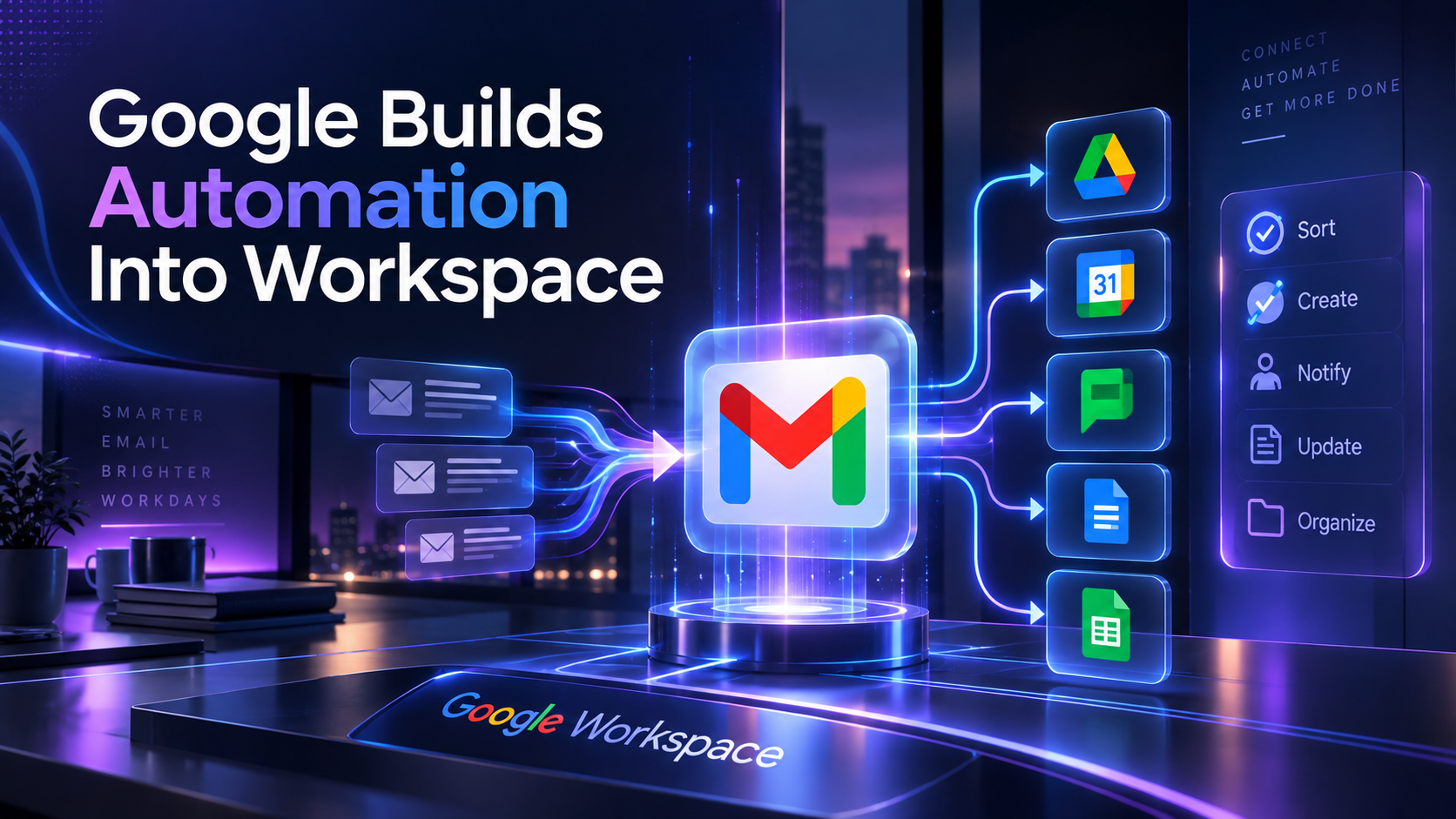
Google Workspace is quietly becoming an automation platform.
Starting September 14, Google is rolling out a new Workspace Studio action that can automatically reply to existing Gmail threads. On its own, that sounds like a fairly small feature. Combined with everything else Google has been adding to Workspace Studio, it starts to look much more significant.
Workspace Studio can already react to events, use Gemini to understand information, move or copy files in Drive and send messages into Google Chat. Now it can also respond directly inside an existing Gmail conversation.
For a small business already running on Gmail, Drive, Docs and Sheets, that creates something surprisingly close to the basic workflows many companies currently build in Zapier, Make or n8n.
From AI assistant to actual automation
The difference between Gemini helping you write an email and Workspace Studio sending one automatically is important.
One is assistance. The other is a business process.
Imagine a customer sends an email requesting information about a service. A Workspace Studio flow could identify what the customer is asking for, use Gemini to process the request, copy the appropriate template or files in Drive, send information to the right internal Chat space and reply inside the original email thread.
Or take something less glamorous: invoice intake.
A flow could detect an incoming invoice, categorize it, move the attachment or related files into the correct Drive structure, notify the right person and reply to confirm receipt.
None of these automations are revolutionary. Businesses have been building them with dedicated automation platforms for years.
What is different is where they now live.
If your business already pays for Google Workspace, Studio is generally available across Business and Enterprise Workspace plans. You don’t necessarily need another platform, another integration or another set of credentials just to automate a relatively simple process.
And Google is pushing this much further than email.
Gemini can increasingly work across Workspace applications in the background. From Gmail, Chat, Drive or Docs, it can create documents, spreadsheets and presentations, conduct research, draft and send emails and schedule meetings. Google says these capabilities will also power Workspace Studio flows.
The pieces are starting to connect.
Should Zapier, Make and n8n be worried?
Yes, but probably not for the reason you might think.
Workspace Studio isn’t suddenly replacing a serious n8n deployment. Dedicated automation platforms still offer much broader integrations, more sophisticated branching, APIs, databases, custom code and the ability to orchestrate processes across completely different systems.
But a huge percentage of SMB automation isn’t particularly sophisticated.
It’s things like:
When this email arrives, summarize it and tell someone.
When this meeting ends, create a follow-up and send it.
When this file appears, move it and notify the team.
When a customer asks this type of question, prepare or send the appropriate response.
If most of that work happens inside Google Workspace anyway, sending the data through an external automation platform starts to become harder to justify.
That’s the threat.
Google doesn’t need Workspace Studio to be more powerful than Zapier or n8n. It just needs to be good enough for the majority of simple Workspace automations.
There is an important catch
Automatically sending emails with AI introduces obvious risks.
An AI misunderstanding an internal document is inconvenient. An AI misunderstanding a customer and automatically emailing the wrong response is considerably worse.
Google appears to understand that distinction. Workspace administrators can control which automation steps employees are allowed to use, restrict what data flows can access, pause individual flows and require user approval when actions could expose information outside the organization.
Flows can also be given more limited access instead of automatically inheriting everything their creator can access.
That matters because the useful version of business AI isn’t an agent with unrestricted access to your entire company.
It’s an agent that has exactly enough access to complete a specific job.
What should SMBs do?
Don’t cancel Zapier or rebuild your n8n workflows.
Instead, look at the boring automations you haven’t built yet because they weren’t worth the setup.
If your company already lives inside Google Workspace, pick one repetitive process involving Gmail, Drive or Chat and see whether Workspace Studio can now handle it without introducing another platform.
Email triage, lead routing, invoice intake, meeting follow-ups, document organization and internal notifications are good places to start.
The bigger shift is that automation is becoming a native part of the productivity suite.
For years, Google Workspace gave businesses the applications where work happened. Zapier, Make and n8n connected those applications together.
Now Google is starting to build that connection layer itself.
For simple SMB workflows, that could be a much bigger deal than another new Gemini model.